
The short version
Things 3 is the calm task app for people who live in Apple land: if you’ll trust the Today view and stop re-organizing lists. One-time purchase per platform, no subscription. Cross-platform households need a different app: Things is Apple-only.
What it is
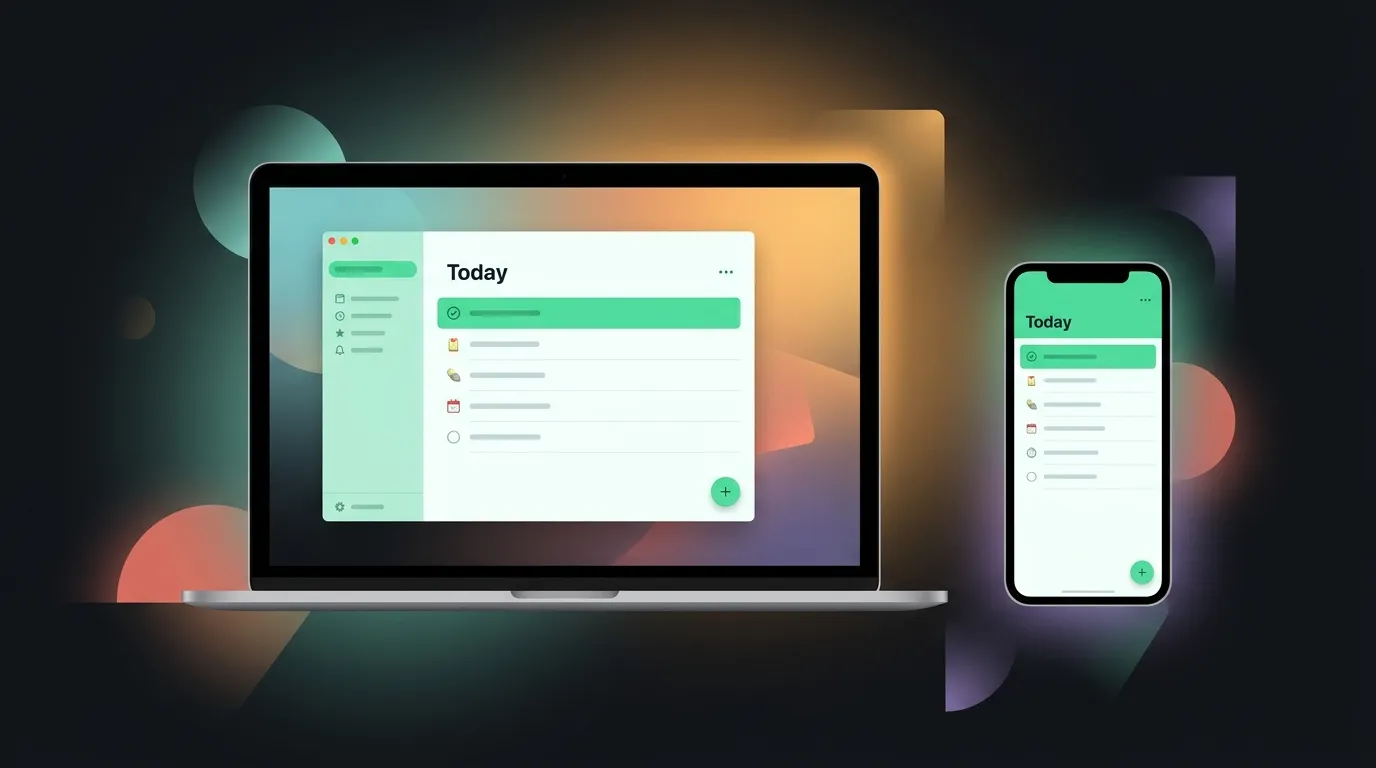
Cultured Code’s task manager for Mac, iPhone, iPad, and Watch. Areas → Projects → Headings → Tasks. No tags soup, no natural language circus: just a finishable Today list and handsome UI.
Core workflow
Setup (20 minutes):
- Inbox , default capture for brain dumps
- Areas , 3–5 max: Work, Home, Health, Side project
- Projects , only for multi-step outcomes with a done state
- Anytime / Someday , parking lots, not graveyards
Daily (5–10 minutes, morning):
- Open Today
- Pull from Anytime what you’ll actually do: be realistic, not aspirational
- Star or drag no more than ~7 items; everything else waits
- Evening: check off or reschedule; inbox zero-ish, not guilt-inducing zero
Weekly (15 minutes):
- Review Someday: delete stale junk
- Kill projects that died; celebrate ones that shipped
- Adjust Areas if your life changed (new job, new kid, new hobby)
Capture rule: Phone widget or Quick Entry → Inbox. Clarify later, not while walking the dog.
Strengths
- Today view feels finishable, not infinite
- UI quality that makes opening the app pleasant
- One-time purchase: no subscription creep on tasks
- Apple Watch glance actually useful for shopping lists
Weaknesses
- No Windows/Android: dealbreaker for mixed households
- Weak shared projects; not a family chore hub
- Power features (tags, complex filters) thinner than Todoist
- Easy to over-structure Areas and never do work
Pricing shape
Separate purchase per platform (Mac, iPhone/iPad bundle, Watch), check Cultured Code for current prices. No free tier; trial via App Store policies.
Things 3 , Mac App Store and Cultured Code site.
Who it’s for / not for
For: Apple-only users who hate task app noise; people who want a daily ritual, not a second job managing tasks.
Not for: Android coworkers; GTD spreadsheet people; teams needing assignees and comments.
Alternatives (brief)
- Todoist: cross-platform, filters, collaboration
- Apple Reminders: free, good enough for many
- Paper: honestly competitive for under ten items
Try it
Buy Mac or iOS first: whichever you capture on. Run the Today ritual for fourteen days before you import old Todoist projects. Migration dumps recreate the chaos you left.