
Who this is for
If you are looking to automate tasks in your homelab (such as database backup sweeps, server alerts, or API integrations), you are probably deciding between a self-hosted visual workflow engine (n8n) and a folder of custom shell scripts scheduled in a crontab.
This comparison is for self-hosters deciding how to organize their automation pipeline. If setting up your automation tools takes longer than the actual tasks they organize, the setup is a failure. We are looking at debugging convenience, resource overhead, and failure modes when an automation breaks at 11:00 PM.
At a glance
| Option A: n8n | Option B: Cron Scripts | |
|---|---|---|
| Best for | Complex, multi-step API workflows | Simple local backups & system tasks |
| Resource footprint | Medium to High (heavy Node.js runtime) | Low (process runs only when called) |
| Configuration style | Visual node drag-and-drop web UI | Text files and command-line crontab |
| Killer feature | Visual execution logs & JSON triaging | Zero idle memory, standard system utilities |
| Dealbreaker | Database volume overhead, slow startup | Custom code required for API auth and webhooks |
Option A: n8n
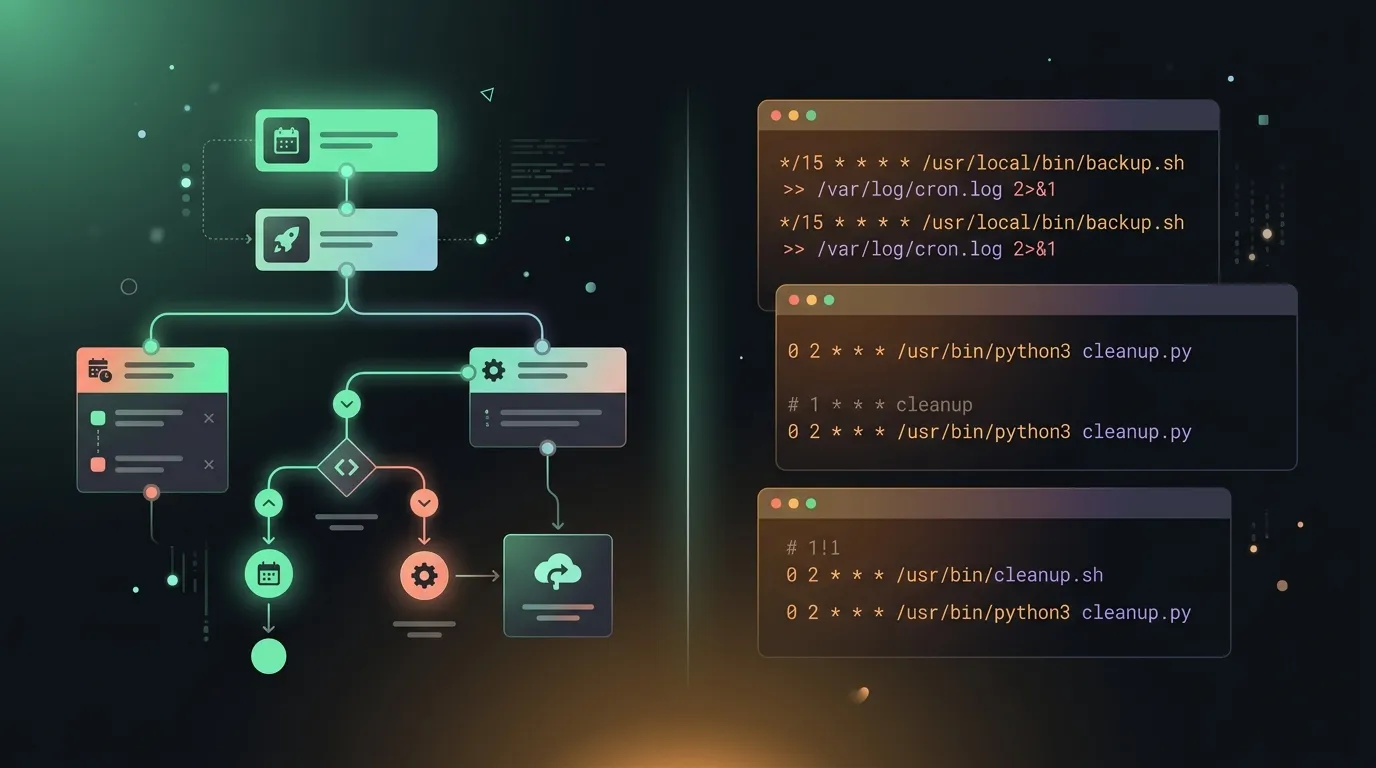
n8n is a Node-based visual workflow engine that runs in a Docker container. It allows you to build automations by dragging nodes onto a grid canvas, connecting triggers to actions, and configuring JSON parameters through a clean web interface.
Its strongest feature is visual debugging. If a multi-step API integration fails, you can log in to the web console, select the specific execution history, and inspect the exact JSON input and output payload for each node. It also handles API authentication, OAuth2 token rotations, and incoming webhooks natively, saving you from writing custom web listeners or token refresh scripts from scratch.
The tradeoff is resource overhead. Because n8n runs as a heavy Node.js app, it requires a database back-end (like PostgreSQL or SQLite) to log executions. It consumes hundreds of megabytes of RAM sitting idle. If you host it on a low-power single-board computer, this resource footprint is hard to justify for simple tasks.
Option B: Cron Scripts
The classic Unix approach is to write custom Bash, Python, or Go scripts and schedule them directly in your system’s crontab scheduler. It is the most direct, lightweight way to automate tasks.
A script file runs only when triggered, consumes zero memory when idle, and relies entirely on standard system binaries. If a script needs to prune a docker volume, run a database backup, or clean a temp directory, it executes in milliseconds and terminates immediately. You have absolute control over the environment and do not have to manage container networks or custom volume permissions.
The downside is maintenance complexity. When a script fails, you have to SSH into your server, parse raw log files (/var/log/syslog or custom output files), and debug the execution line-by-line. If your automation relies on external APIs with rotating OAuth2 keys, writing the token rotation helper yourself is tedious and error-prone. If setup takes longer than the work it organizes, it fails the review.
Verdict by scenario
- Choose n8n if your automations rely on external APIs and webhooks. If you need to route webhook payloads from GitHub to Discord, coordinate multi-step API requests, or handle complex OAuth2 handshakes, n8n is worth the container overhead.
- Choose Cron Scripts if you are doing simple local backups and system tasks. If your automation is a local directory sweep, a database backup dump, or a simple server alert script, a lightweight Bash script scheduled via crontab is the cleaner choice.
Bottom line
n8n is a visual powerhouse that makes debugging multi-step webhooks remarkably easy, but it requires a dedicated container stack. A folder of custom cron scripts uses virtually zero system resources but is painful to debug at 11:00 PM. For complex external API routing, spin up n8n; for simple local server maintenance, stick to cron.