
The short version
Home Assistant is the local hub that makes mixed-brand gadgets feel like one system: if you’ll update it and back up config/. Start with lights and one sensor, not forty integrations on day one. Skip if you want zero maintenance or only Apple HomeKit gear.
What it is
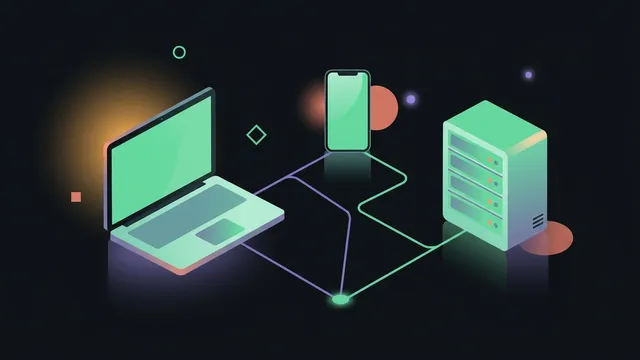
Home Assistant is open-source home automation software that runs on a Pi, mini PC, or VM. It talks to lights, thermostats, vacuums, cameras, and random Wi-Fi things through hundreds of integrations: usually on your LAN, without routing every button press through a vendor cloud.
Core workflow
Week 1: Install HA OS or Docker on hardware that’s always on. Open the dashboard on your phone. Add two devices you actually use: often Philips Hue, Shelly, Ecobee, or whatever’s already in the house.
Week 2: Build one automation with a clear trigger: motion → light, door open → notification, sunset → porch light. Name it like a human (Porch on at sunset), not automation_4.
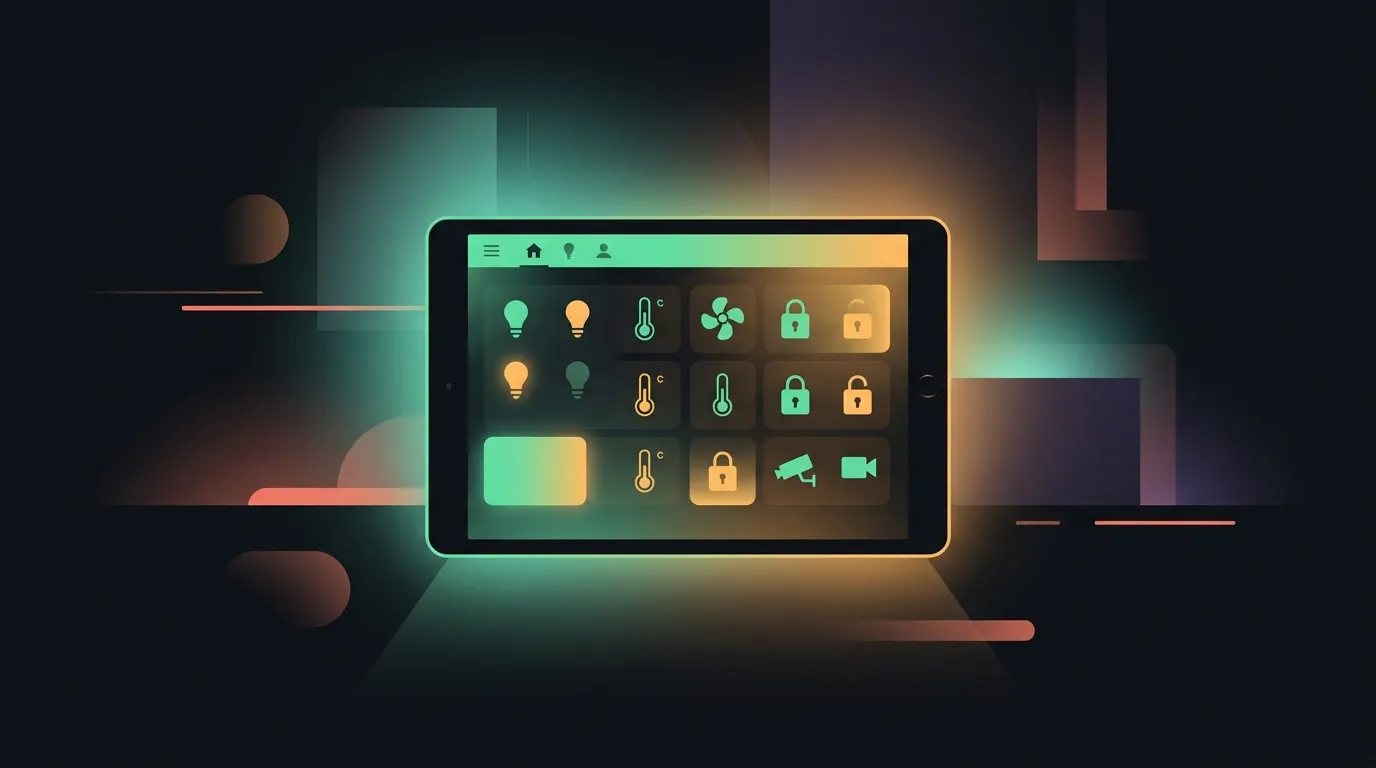
Week 3: Add a simple dashboard with only controls guests need. Hide the rest.
Week 4: Back up config/ to somewhere off the box. Schedule updates during a window you can fix mistakes.
Pair with Tailscale if you want remote access without opening ports.
Strengths
- Local control when integrations support it: automations keep working if the internet blips
- One UI for brands that each shipped their own app
- Massive community blueprints and forum answers
- Plays with the self-hosted stack (Immich, Jellyfin, open vacuums) if you’re heading that direction
Weaknesses
- Updates can break integrations: you read release notes or you learn the hard way
- Some devices still phone home; HA orchestrates, it doesn’t exorcise closed firmware
- YAML vs UI split confuses newcomers until you pick a style
- WAF (spouse acceptance factor) dies when lights flicker at 2 a.m. because of a bad template
Pricing shape
Home Assistant core is free. Official hardware (Home Assistant Green/Yellow) and Nabu Casa cloud remote (optional) cost money: check current pricing if you want plug-and-play hardware or easy remote without Tailscale.
Who it’s for / not for
For: Renters and owners with mixed ecosystems, homelab people, anyone burned by a vendor killing local API access.
Not for: Apple-only households happy in HomeKit; people who won’t touch updates; rentals where you can’t add a hub.
Alternatives (brief)
- Apple Home: dead simple on Apple gear; weak for mixed brands
- Hubitat: local-first hub, less DIY than HA, smaller integration list
- SmartThings: Samsung lineup; more cloud-dependent
Try it
Start on old hardware or a Pi 4 before you buy dedicated kit. Our self-hosted list covers where HA fits in the stack.